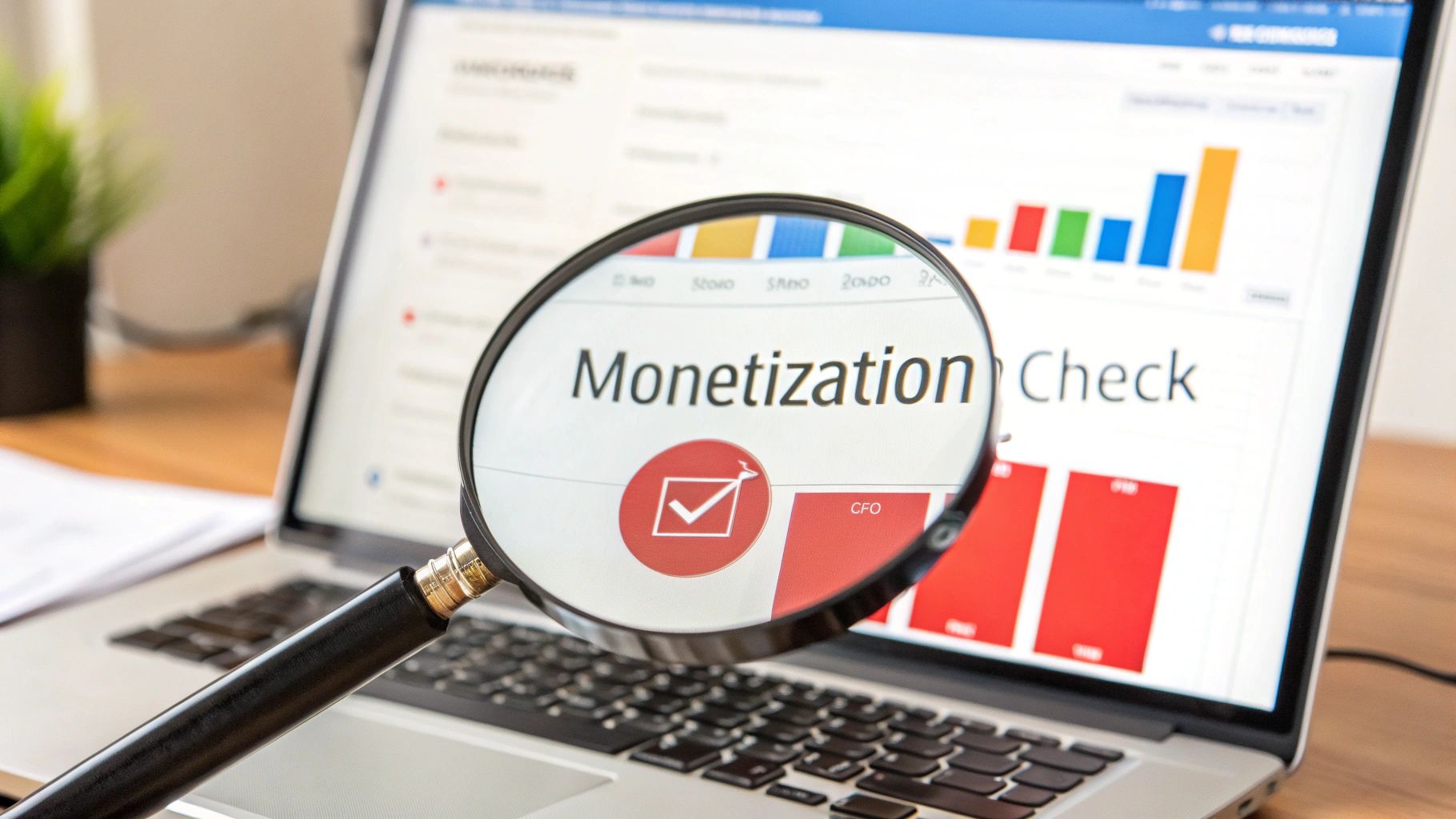
To check YouTube monetization reliably, verify four separate states: channel eligibility or YPP membership, video-level monetization, estimated revenue, and finalized earnings. For your own channel, the authoritative starting point is YouTube Studio’s Earn area. For individual videos, use the Content area’s monetization icons or notices. Use Analytics > Revenue for estimates and AdSense for YouTube for finalized earnings. A public channel page cannot show all four states.
That distinction matters because ads, memberships, Super Thanks, a Store tab, and third-party “monetization checker” results are only partial clues. They do not reveal a creator’s private Studio status, current payment setup, finalized earnings, or whether a particular video is earning ad revenue.
The quickest reliable check for your own channel
- Open YouTube Studio and select Earn. Record the exact status shown for the channel. This area shows eligibility progress, application state, YPP participation, and available earning features.
- Open Content. Review the Monetization column or the newer Notices and Estimated revenue fields, depending on the interface currently shown to your account.
- Open a representative video. Read its monetization status and any copyright or advertiser-suitability notice. A channel-level approval does not make every video eligible.
- Open Analytics, then Revenue. Set an explicit date range and record that the figures are estimates. YouTube says revenue data generally has about a two-day delay.
- Check AdSense for YouTube separately. This is where finalized earnings and payment tasks live. Do not treat an Analytics estimate as a finalized payout.
If you are checking an application, YouTube’s official YPP overview says the Earn area shows the current application status. “In Progress” means the application is in the review queue; it is not an approval.
Match each question to the right evidence
| Question | Best source | What it proves |
|---|---|---|
| Is this channel in YPP or still applying? | YouTube Studio > Earn | The channel-level status visible to the authorized user at that time |
| Can this video earn from ads? | Studio > Content > Monetization icon or notice | The video-level state, including limits caused by copyright or advertiser-suitability review |
| What revenue is currently estimated? | Studio > Analytics > Revenue | A dated estimate for the selected range, subject to delay and adjustment |
| What earnings were finalized? | AdSense for YouTube | Finalized earnings and the related payment-account state |
| Is a public channel definitely monetized? | No authoritative public field exists | Public features can provide clues, but they do not prove the private account state |
Keep the date, channel URL or ID, selected range, and account role with every screenshot or export. A screenshot without those details is difficult to match to the channel or compare later.
Read video monetization icons correctly
YouTube’s monetization icon guide describes several video-level states. A green icon generally means the video is eligible for most ads. A yellow icon means limited or no ads under advertiser-friendly content guidelines. A red icon can indicate a copyright-related monetization issue, while a gray icon can mean monetization is off or unavailable.
These icons answer a video question, not every channel question. The result can depend on copyright claims, advertiser suitability, revenue-sharing rules, and the features accepted by the channel. Some reviews can take up to 24 hours, so record pending states rather than guessing the result.
YouTube is also rolling out a redesigned Content experience. Its current Content tab guidance describes a Notices column that can consolidate copyright, monetization, terms, age-restriction, made-for-kids, visibility, and ad-suitability information. It also describes an Estimated revenue column. If your screen differs from an older tutorial, use the labels in your own current Studio and preserve what you actually see.
Estimated revenue is not finalized earnings
The Revenue tab provides estimates for the chosen period. YouTube’s revenue guidance says estimates can change because of invalid traffic, Content ID claims and disputes, some ad-campaign types, and other adjustments. It also says estimated revenue normally appears after about two days.
Finalized earnings are available in AdSense for YouTube, usually between the 7th and 12th of the following month. Payment can still depend on thresholds, holds, identity or address verification, and other account tasks. For a clean record, label Studio figures “estimated” and AdSense figures “finalized” rather than combining them into one number.
Why public signals are not proof
Seeing ads on a video does not prove that the channel owner is receiving ad revenue. YouTube’s official ads guidance explains that ads may appear on channels outside YPP and that a rights holder may place ads on claimed content. The viewer cannot see which party, if any, receives the revenue.
Other public features also answer narrower questions:
- Join or memberships: shows that a membership surface is available in that context; it does not reveal ad-revenue status, payment health, or current earnings.
- Super Thanks or other fan-funding features: shows a feature on an eligible item or channel; it does not prove that every upload is monetized.
- Store or shopping links: can show a commerce integration; it is not a YPP revenue statement.
- Third-party checker: can inspect public page signals or make an estimate. It cannot read private Studio, AdSense, review, or payment data.
For another creator’s public channel, the accurate result is often “not publicly verifiable.” Avoid converting clues into a definitive yes, no, or monthly-income estimate.
Check an authorized channel handover with five separate records
If the owner has authorized a review, verify the live account state instead of relying on an old screenshot or public checker. Never request passwords, recovery codes, tax records, or unredacted identity documents. Use an agreed screen review, least-privilege access, or exports that omit sensitive data.
- Channel identity: match the channel URL and channel ID in Studio to the asset being reviewed.
- YPP and modules: record the Earn status and the earning modules or features currently accepted or available.
- Content status: sample recent, top-traffic, and policy-sensitive videos. Record each item’s notice or monetization icon.
- Revenue evidence: compare at least two explicit date ranges in Analytics. Record estimates as historical observations, not forecasts.
- Payment association: verify that the intended owner has a valid AdSense for YouTube plan and note any visible payment tasks without copying sensitive details.
Access, ownership, YPP status, video eligibility, and payment association can all differ. Our evidence-first channel handover guide explains how to keep those states separate. If you are reviewing an option in the account catalog, apply the same evidence standard to the specific channel and date.
Work through a hypothetical evidence check
Suppose a public tutorial channel displays ads, a Join button, and strong view counts. A third-party site labels it monetized and estimates monthly earnings. None of that proves the owner’s current ad revenue.
With authorization, the reviewer opens the exact channel in Studio. Earn shows active YPP participation. Most sampled videos have green icons, one recent upload has a yellow icon, and another has a copyright notice. Analytics shows estimated revenue for the last 28 and 90 days, with the newest dates delayed. AdSense for YouTube shows the previous month’s finalized earnings, but an account task remains open.
The correct conclusion is specific: the channel shows current YPP participation; sampled videos have mixed eligibility; recent Studio revenue is estimated; finalized earnings are visible for the previous month; and the payment task needs resolution. “Fully monetized” would hide those differences. This example is hypothetical and does not predict a channel’s income or future status.
Check current YPP terms before recording a final result
YouTube’s YPP page currently states that updated terms take effect on February 1, 2027 and that existing partners must accept them by January 31, 2027 to continue fully monetizing. Because terms and Studio layouts can change, a status record should include the date and any action shown in Earn. Recheck the official page when using this guide after those dates.
If monetization is disabled or suspended, use the explanation shown in Earn. YouTube’s disabled monetization guidance describes appeal and reapplication paths and notes that AdSense identity or PIN tasks can also prevent monetization. Record the actual reason and deadline rather than inferring the cause from a public channel page.
Frequently asked questions
Can I check whether any public YouTube channel is monetized?
You can observe public clues, but there is no authoritative public field that exposes the complete private status. Ads and fan-funding features are not proof of current ad revenue or finalized earnings.
Does a green icon mean the whole channel is monetized?
No. It is a video-level indication. Check the channel’s Earn area, other videos, current notices, and payment setup separately.
Why do Analytics and AdSense show different numbers?
Analytics shows estimated revenue for the selected range and can be delayed or adjusted. AdSense for YouTube shows finalized earnings and payment-account information.
Can a third-party checker estimate exact YouTube earnings?
No. It can only model public signals using assumptions. It cannot see the creator’s private revenue mix, adjustments, rights claims, Studio status, or AdSense data.
What should I save as evidence?
Save a dated record with channel identity, the Studio area inspected, the selected date range, the account role, and the exact status text. Redact payment identifiers, tax details, recovery information, and personal identity data.
Official YouTube documentation and live internal links checked October 28, 2026. Platform labels, terms, thresholds, and review processes can change. This guide explains how to document status; it is not a promise of YPP approval, continued monetization, or earnings.