
An AI video generator for TikTok can help make supporting visuals, but it does not replace an original idea, factual review, editing or the decision to publish. Start with one useful video and a small test of the missing production step, rather than asking a generator to run the whole account.
This guide gives you a six-step workflow, a practical shot brief and a release checklist. AI disclosure, permission to use an asset and eligibility for a monetization program are separate decisions. Passing one does not establish the others.
Choose a production job before choosing a generator
Write down what you already have and what is actually missing. A recorded demonstration may need a short illustrative transition, not a synthetic presenter. A strong script may need clearer diagrams rather than more cinematic footage.
| Missing piece | Useful test | Review question |
|---|---|---|
| Supporting visual | Generate one short scene | Does it explain the sentence accurately? |
| Narration | Test a short script passage | Are names, emphasis and pauses correct? |
| Captions | Transcribe and manually correct | Can someone follow without sound? |
| A complete explanation | Research and outline first | What original answer are you contributing? |
Use the same brief when comparing tools. Save the output, settings, time spent correcting it and the reason you accepted or rejected it. Inspect current vendor terms for permitted uses, voice consent, export restrictions and data handling before uploading material. A free trial or a realistic result is not evidence that every intended use is allowed.
Use a six-step human-reviewed workflow
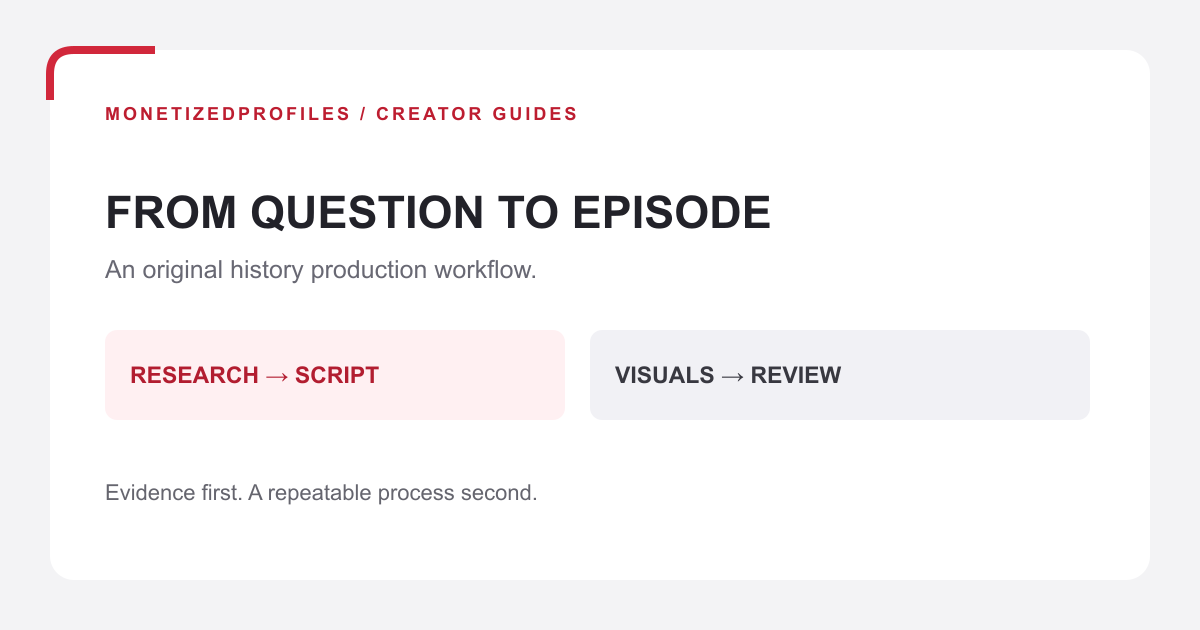
These are our editorial production gates, not a TikTok ranking formula. Each gate should leave a small, useful record that another editor can check.
- Define the viewer question. Choose one specific problem and write the answer in a sentence. Decide what the viewer should understand by the end.
- Write an original script. Verify factual claims, separate observation from illustration and identify your contribution. Save source notes before generating assets.
- Generate bounded supporting shots. Give each shot one job and one action. Keep actual demonstrations as real recordings when the demonstration is the evidence.
- Edit and correct captions. Remove repetition, check pronunciations, synchronize text and review the exported file with and without sound. Confirm important text remains visible in the upload preview.
- Check rights and AI labels. Record asset origins, permissions and the disclosure decision. Remove a problematic scene instead of assuming a label makes it acceptable.
- Review evidence before expanding. Save the final file, reviewer decision and production time. After publication, compare the available post insights over a stated observation window before making another batch.
TikTok describes editable auto captions and content insights among TikTok Studio's features. Availability differs by experience and location, so confirm the controls actually shown in your account. Automatic captions remain a draft until you have checked them.
Build one shot brief you can evaluate
Hypothetical example: a creator wants to explain a three-zone desk system: active work, reference material and items to put away. The creator tests the arrangement, records the before-and-after demonstration and writes the explanation. Generated footage is used only for a clearly illustrative transition, not as proof that the system worked in somebody's home.
A useful brief contains:
- Purpose: introduce the three categories before the real demonstration.
- Shot: an overhead view of three plain colored cards on a neutral desk.
- Action: one card slides into a row; the other two stay still.
- Continuity: preserve card colors, camera angle, lighting and object count.
- Avoid: generated lettering, extra objects, recognizable people or copied branding.
- Acceptance: the card movement is clear, stable and consistent with the narration.
An example visual prompt is: “Vertical overhead shot of three plain colored cards on a neutral desk. One card slides gently into a row while two remain still. Fixed camera, even light, consistent colors, no lettering or extra objects.” Add accurate category names in the editor, where you can check every letter.
If a card changes color or an extra object appears, replace that shot. Do not rebuild a sound script to accommodate a generator's mistake. If the transition adds no explanatory value, remove it and use the original recording.
Make the AI disclosure decision explicit
TikTok requires disclosure of AI-generated content containing realistic images, audio or video. Its official label explanation describes disclosure as context for viewers, not a quality certificate. Check the current AI-generated content guidance and the upload controls before posting.
The guidance also covers creator-applied and automatic labels. Do not assume a faceless video avoids the issue: realistic synthetic audio or scenes can need disclosure even without an on-camera host. Record what was generated or materially changed and how you disclosed it.
Some content remains prohibited even when labelled. TikTok's guidance identifies harmful synthetic depictions, including certain false public-figure endorsements and unauthorized likenesses of private adults. Avoid imitating a real person's voice or appearance to imply their participation. If permission or the permitted context is unclear, stop and use a different asset.
TikTok's July 10, 2026 transparency update also described testing improved detection of AI-generated spam. Treat faster output as production capacity, not a reason to publish interchangeable clips.
Keep rights, originality and rewards separate
TikTok's copyright guidance addresses authorization to use other people's work. Keep permission records for footage, music and voices alongside the project. A generator subscription, a stock licence or an AI label does not by itself establish that the finished video qualifies for rewards.
The foundational Creator Rewards announcement describes original content over a minute long and separate account eligibility. That March 2024 announcement is not a current worldwide eligibility list. Check the current local terms and the program shown in your account; do not stretch a short idea merely to reach a duration threshold.
Our TikTok monetization program guide covers the broader account and earning-route checks. An exported video is not a rewards approval, and total views are not the same as qualified rewarded activity.
Save a final review record
Before posting, save the brief, source notes, asset origins, permissions, prompt and selected output, final script, corrected captions, final export and dated approval. Record any unresolved issue as a stop, not a silent assumption.
After posting, note the observation date, available viewing and engagement metrics, and production effort. Compare similar videos over comparable windows. A small pilot can reveal unclear captions or an expensive correction process; it cannot establish a dependable earnings forecast.
Do I need an AI presenter?
No. Use a presenter only when it improves the explanation and you can satisfy the relevant rights and disclosure checks. Real demonstrations, original diagrams and narration may be enough.
Does labelling AI content guarantee eligibility?
No. Disclosure, content rules, asset permissions and the specific monetization program must each be checked independently.
What if I am evaluating an existing account?
Inspect current program status, restrictions, audience fit and payout requirements rather than relying on an old badge or screenshot. The MonetizedProfiles account catalog and TikTok account details describe available options; no account removes the need for original content or guarantees future income.
Guidance reviewed October 16, 2026. The foundational program announcement is dated separately above. Recheck current local rules and your account before publication or monetization decisions.