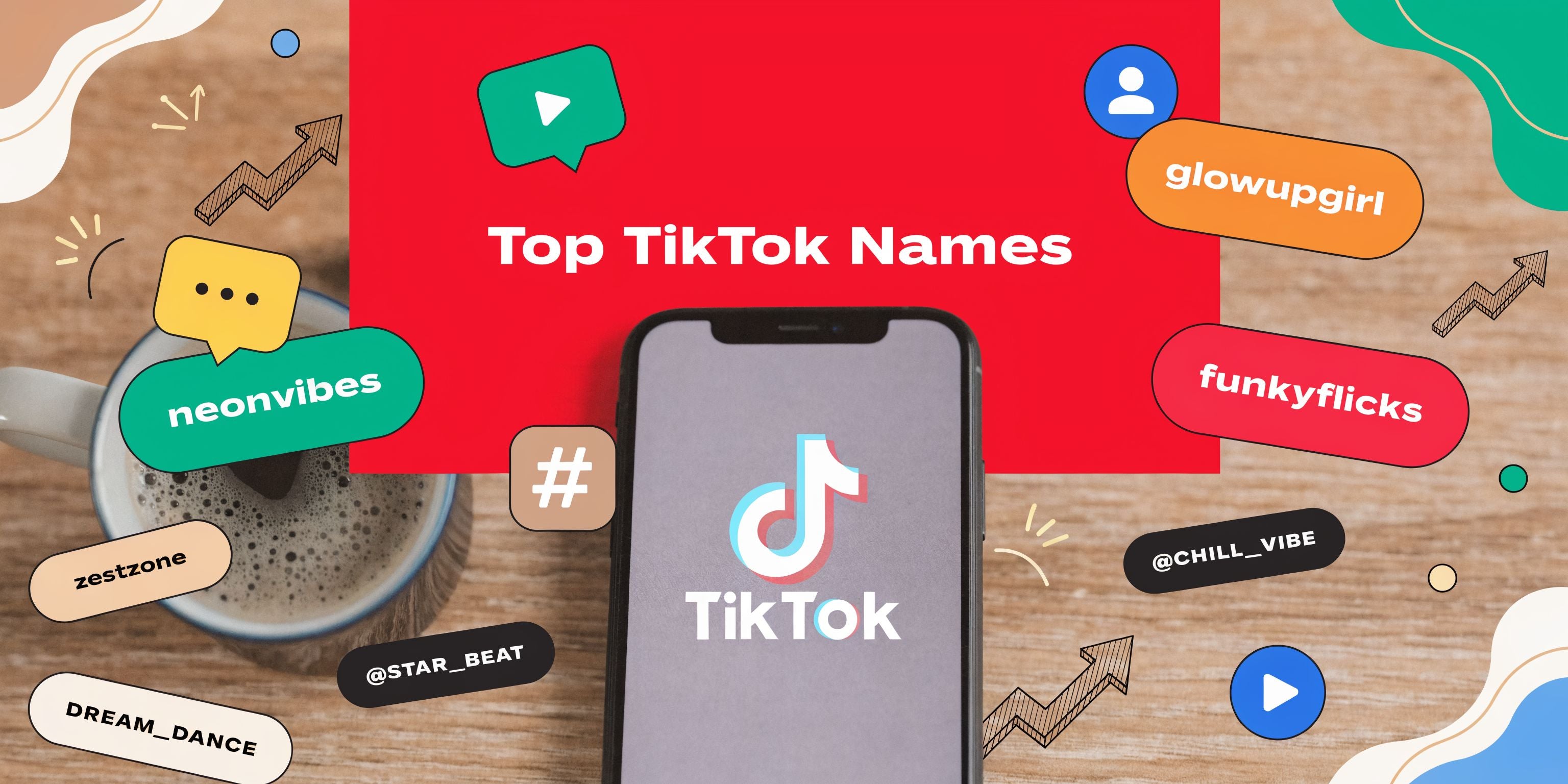
The best TikTok username is not the cleverest one on a list. It is a handle you can claim, say aloud, keep through a rebrand, and use without confusing people about who you are. Treat the choice as a small naming decision with operational consequences: your username appears as @username and forms part of your TikTok profile link.
This guide gives you ten reusable formulas, a quick scorecard, and a rename checklist. Every example below is hypothetical. Availability and rights can change, so check both before using any name.
Username and nickname are different fields
TikTok separates your username from your nickname. The username is the unique @handle shown on your profile and used in your profile URL. The nickname is the display name people see around TikTok. That distinction creates a useful option: keep a stable, compact username while using the nickname to explain the account more clearly.
| Field | Use it for | What to remember |
|---|---|---|
| Username | Unique identity, mentions and profile link | A change also changes the profile link |
| Nickname | Readable brand or creator name | It does not replace the @handle |
TikTok says usernames may contain letters, numbers, underscores and periods, but a period cannot appear at the end. The platform currently limits username changes to once every 30 days. If you give up a username, you may not be able to add it back for a short period. Check the current rules on TikTok's Changing your username page before a rename.
Five tests for a claimable TikTok username
Run a candidate through these tests before comparing styles:
- Format: It fits TikTok's current character rules and does not end with a period.
- Availability: TikTok accepts it in the Username field when you are ready to save. A third-party checker or a search result is not the final authority.
- Sayability: Someone can repeat it after hearing it once.
- Durability: It still works if your content expands beyond one format, product or short-lived trend.
- Identity: It does not imply affiliation with another person or brand, and it survives a sensible rights and impersonation check.
A short name can still fail if it is hard to spell. A descriptive name can fail if it traps the account in a topic you expect to leave. The useful choice is the one that clears all five tests with the fewest compromises.
Ten reusable username formulas
Use a formula to generate candidates, then test each result. These examples illustrate structure only; they are not availability or trademark claims.
1. Brand root + role
Formula: [brand] + [role]
Hypothetical example: @NorthlineTutor
This works when the brand root is distinctive and the role tells people what the account does. Avoid regulated or credentialed roles you cannot substantiate.
2. Audience + practical outcome
Formula: [audience] + [task]
Hypothetical example: @FreelancersInvoice
Choose a task you actually cover. Do not turn the second half into a promise such as “guaranteed growth” or “instant income.”
3. Topic + format
Formula: [topic] + [format]
Hypothetical example: @GardenMinute
This is useful for a repeatable series. Use a format you can keep producing; a handle built around “daily” creates an expectation you may not want.
4. Category + place or community
Formula: [category] + [place/community]
Hypothetical example: @AthensCoffeeNotes
Use a location only when it is central to the content. Do not imply that an unofficial account represents a city, venue or organization.
5. Name + descriptor
Formula: [name] + [descriptor]
Hypothetical example: @MinaMakesMaps
This is flexible for a creator-led account. If your name is common, add a meaningful descriptor instead of a random string of digits.
6. Verb + topic
Formula: [verb] + [topic]
Hypothetical example: @DecodeInvoices
A clear verb can make the content promise easy to understand. Keep it accurate: “learn,” “build” or “review” is safer than a guaranteed result.
7. Object + studio, lab or desk
Formula: [object/topic] + [workspace word]
Hypothetical example: @PaperTrailStudio
This can suit a faceless or team account because it does not depend on one presenter. Check for existing businesses using the full phrase.
8. Topic + routine
Formula: [topic] + [repeatable routine]
Hypothetical example: @BudgetReviewFriday
The routine should match the content calendar. A weekly cue is useful only if you plan to maintain it.
9. Root brand + series
Formula: [brand] + [series]
Hypothetical example: @NorthlineExplains
This keeps the brand recognizable while giving the account a distinct editorial purpose. It can also separate a support, education or behind-the-scenes account from a primary brand account.
10. Meaningful modifier + core name
Formula: [modifier] + [core name]
Hypothetical example: @UseNorthline
If the exact name is taken, add a word that carries meaning. “Use,” “meet,” “learn” or a real location can be clearer than repeated punctuation or arbitrary numbers.
Score candidates before checking availability
Give each candidate 0, 1 or 2 points for every row. Eliminate any option that fails the identity check even if its total is high.
- Sayability: 0 if it needs explanation; 1 if one correction is likely; 2 if it is clear when spoken.
- Spellability: 0 for several ambiguous parts; 1 for one ambiguous part; 2 if it is obvious after hearing.
- Content fit: 0 if misleading; 1 if broad but usable; 2 if it sets the right expectation.
- Rebrand room: 0 if tied to a short trend; 1 if it allows a small pivot; 2 if it allows your planned expansion.
- Cross-channel fit: 0 if it conflicts with your identity; 1 if a variation is required; 2 if it is consistent with owned channels.
- Identity and rights: 0 for a known conflict or impersonation risk; 1 if deeper review is needed; 2 if no obvious collision was found.
The score is a comparison aid, not legal clearance and not a predictor of reach. A username alone does not establish search ranking, audience growth or monetization.
How to check availability and collisions
- Check inside TikTok: Go to Profile, choose Edit profile, open Username and enter the candidate. Do not save until the migration checklist is ready.
- Search the exact phrase: Search TikTok and the web for the username with and without punctuation. Look for creators, companies, products and public figures.
- Check your owned channels: Compare the name with your domain, email sender name and other social profiles. Exact uniformity is helpful, but a documented variation is better than a risky collision.
- Review impersonation risk: Do not choose a name that makes a reasonable viewer think the account belongs to someone else. TikTok provides a process to report impersonation accounts.
- Review intellectual-property risk: For a commercial name, check relevant trademark records and get qualified advice when the stakes justify it. TikTok says usernames may be reset after a valid request such as a trademark infringement notice; its intellectual-property guidance explains the platform process.
A taken username is not evidence that it will soon become available. TikTok's Inactive Account Policy says an account unused for at least 180 days may have its username reset, but inactivity is not public and TikTok generally does not reassign a requested name. Use a meaningful variation rather than planning around an invisible timer.
A pre-rename migration checklist
Because a username change also changes the profile link, inventory every place that uses the old URL before saving the new name.
- Record the old username, proposed username, current profile URL and planned change time.
- List links on your website, link-in-bio page, email templates, other social profiles and creator or sponsor documents.
- Find printed or digital QR codes that point directly to the TikTok profile.
- Check pinned posts, video captions and graphics that show the old @handle.
- Tell teammates which field is changing: username, nickname or both.
- Confirm the account's recovery email, phone and authorized owners separately from the public name.
- Prepare a short profile note if followers may need help recognizing the new handle.
- Save screenshots or records needed for an internal handover before and after the change.
After saving, open the new profile URL in a signed-out browser, test important links, update owned references and search for missed copies of the old handle. A username change does not transfer ownership, clear policy history or prove that the account has rights to the name.
Username records for an account handover
If an account changes operators, the handle is only one item in the record. Capture:
- article or business owner, authorized operators and approval date;
- current username, nickname and profile URL;
- prior usernames and the dates they changed, when known;
- recovery contacts and device or access handover status;
- account region, account type and current policy or monetization status;
- links, QR codes and documents that must be updated; and
- any known brand, license or permission supporting the public identity.
Do not treat a desirable username as proof that the underlying account is safe, transferable or eligible for a feature. Verify those facts independently.
Common mistakes
- Choosing for a single trend: The name becomes stale while the account still has an audience.
- Using random punctuation as the first fallback: People cannot reliably repeat the handle.
- Copying a recognizable brand pattern: The result may confuse viewers or trigger a rights dispute.
- Saving before mapping links: Old profile URLs remain in websites, QR codes and documents.
- Treating a name as a growth tactic: Content, audience fit and account execution still need their own plan.
Frequently asked questions
Should a TikTok username include the niche?
Include it when the niche is stable and the added word makes the account easier to understand. Leave it out when you expect the topic to expand or when the phrase makes the handle hard to say.
Should the username match other platforms exactly?
Exact consistency reduces confusion, but it is not always available. Prefer a meaningful, documented variation over a name that creates an identity or rights problem.
Can I take a username from an inactive account?
Do not assume so. TikTok says it may reset usernames after at least 180 days of inactivity, but inactivity is not publicly visible and the platform generally cannot reassign a requested username.
Will a better username increase reach?
A clearer handle may be easier for people to recognize or repeat, but TikTok does not promise reach, ranking or earnings from a naming pattern. Use the scorecard for clarity and operational fit, not as a performance forecast.
Choose the name you can operate
Generate several candidates, score them, check the strongest options inside TikTok, investigate obvious collisions, and map every profile-link dependency before saving. The result may be less flashy than a “viral username” list, but it is more useful: a handle your audience can recognize and your team can keep accurate.
For the discovery side of account research, see the TikTok profile search guide. For broader positioning decisions, use the personal brand guide.
Source note: TikTok Help Center guidance was checked on October 26, 2026. Platform rules can change; confirm them before saving a username.